Mobile · 2026
Load Away
- Year
- 2026
- Scope
- Mobile · Academic
- Role
- iOS Developer, gaze tracking and watchOS heart rate
- Team
- Team of 5
- Stack
- Swift, SwiftUI, Swift 6 Concurrency, Xcode
- Status
- Completed
A game where the loading bar hates being watched.
A satirical iOS game that inverts the logic of a loading screen: the progress bar only advances while you are not looking at it. Look back too late and it collapses while mocking you out loud.
Load Away, built under the Xcode project name Wofoking, is a standoff with a camera. The progress bar fills only while you genuinely are not watching; head turned past your calibrated neutral and eyes off the screen, or both eyes shut. Guess when it hits 100% and look back inside a roughly two-second window to win; overshoot and the bar collapses.
Read moreShow less
The pitch came from internet culture: absurdity is what gets shared, so the team built the dumbest possible version of it. The app baits you into thinking it is an adventure game, or that loading is simply broken, until you glance away and it creeps forward. After early feedback the team leaned in and dressed the whole thing as a horror game: haunted forest, a red door, a warning splash. It is a prank wearing a horror mask.
Level 2, "Unstable Loading", is the shipped mode: the bar jitters, randomly drops, saves checkpoints, and near the top fakes completion at 99% before betraying you. A fake push notification chimes to bait your gaze back at the worst moment. With a paired Apple Watch, a spiking heart rate feeds the bar's volatility; the game runs on your panic.
There is no game engine. Load Away is a native SwiftUI app whose gameplay is a @MainActor GameEngine on a roughly 30 Hz timer, reading gaze from ARKit, heart rate from HealthKit over WatchConnectivity, haptics from CoreHaptics, and taunt audio from pre-baked clips. The Apple frameworks are the engine.
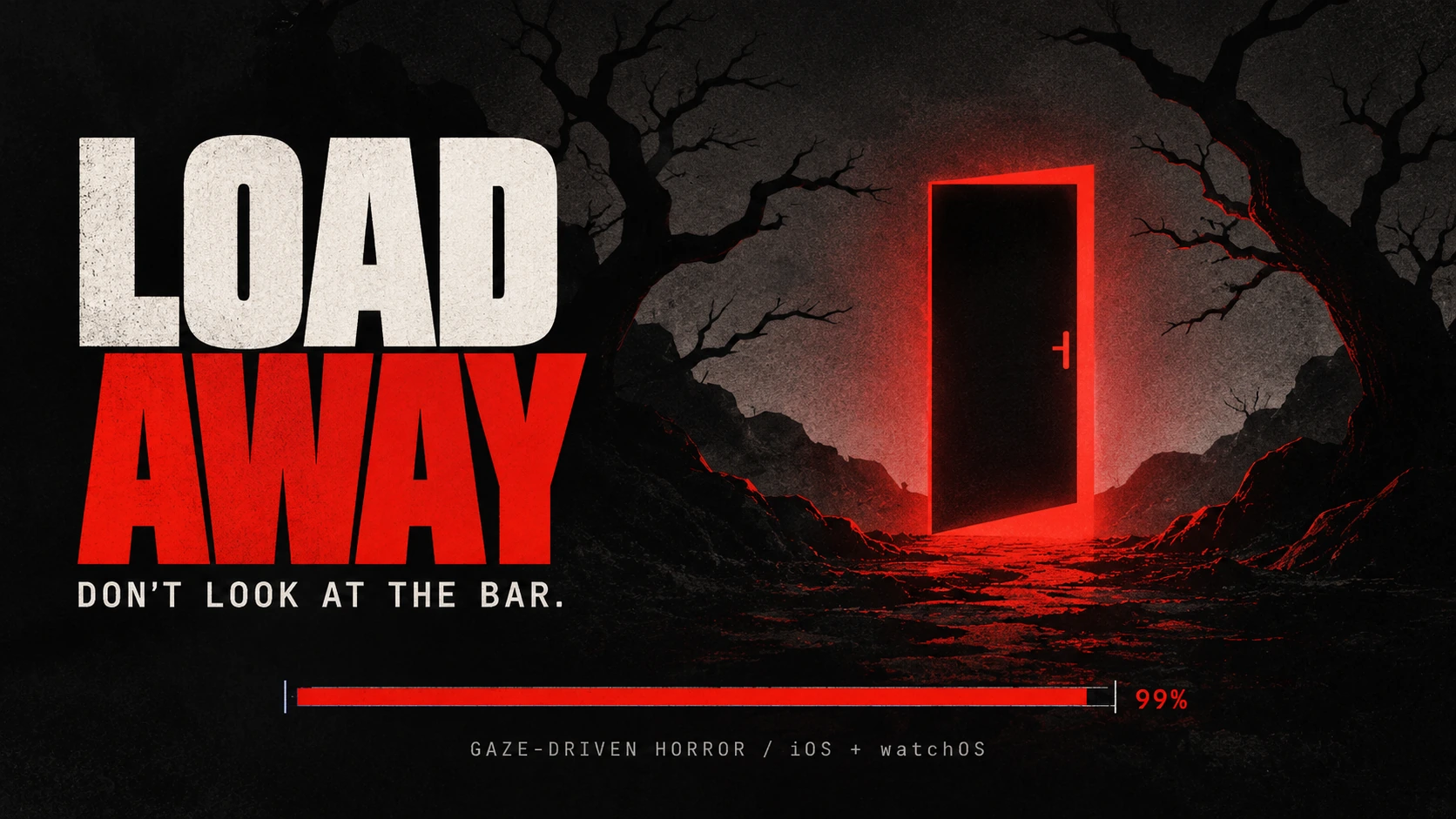
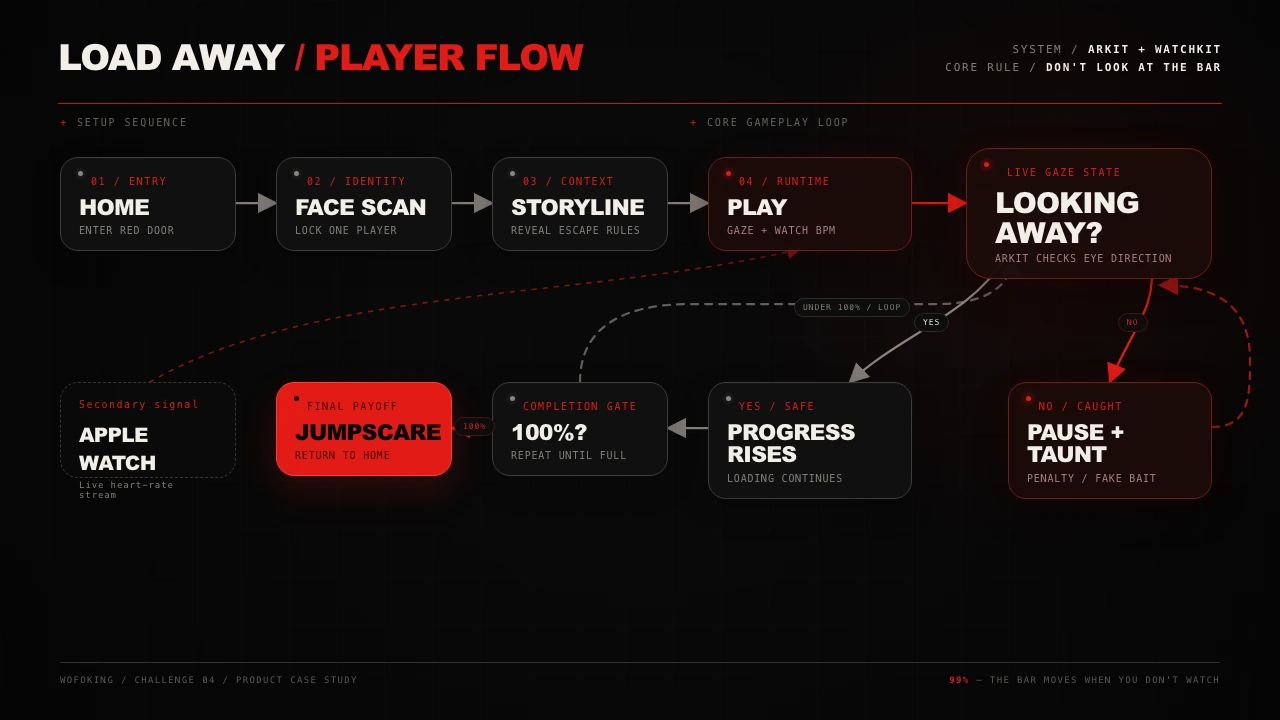
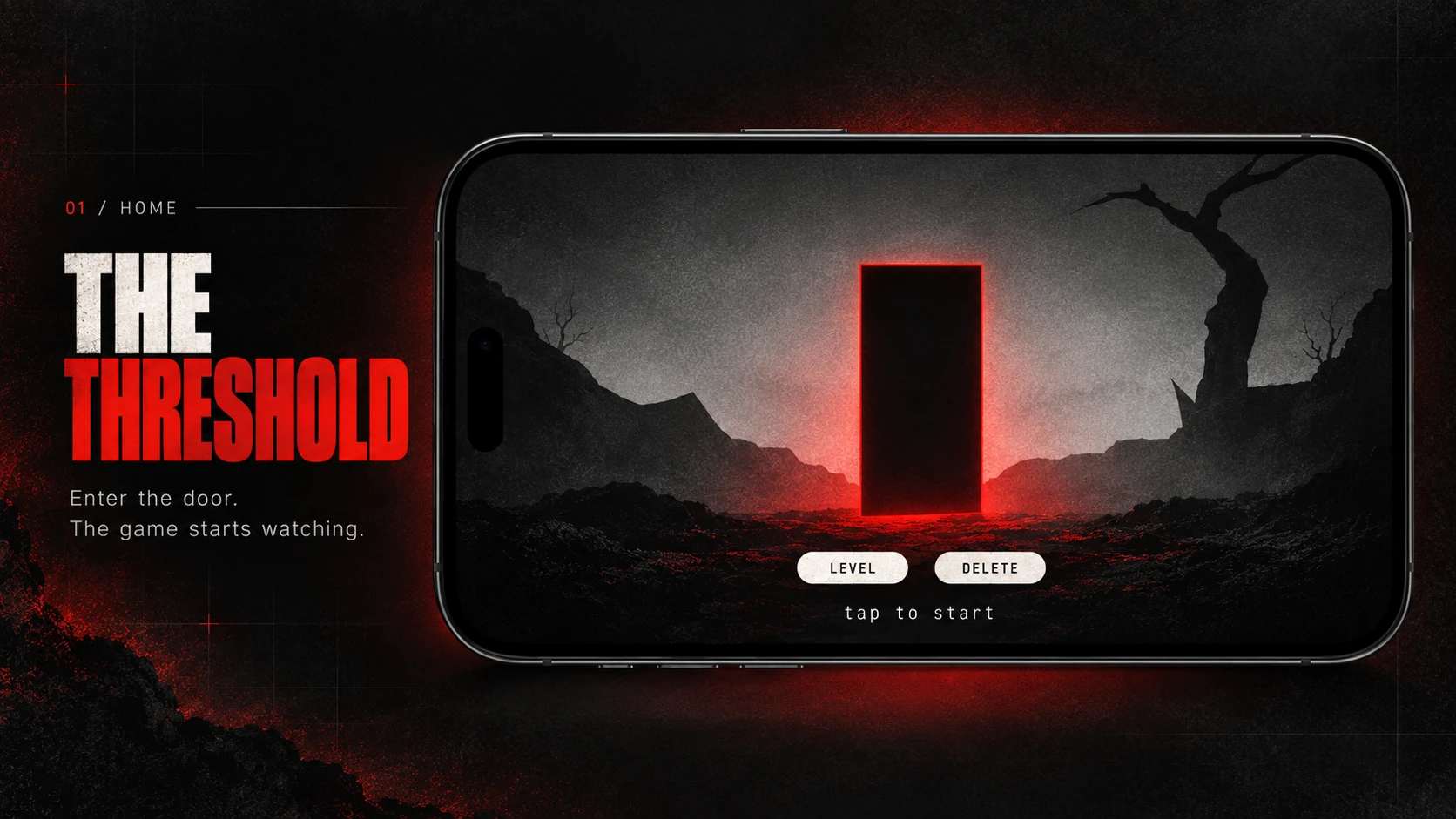
A gaze-driven horror game: the bar moves only when the player looks away.
Brief
Problem
A loading screen is dead time nobody engages with. The design question was whether the wait itself could become the game rather than something to sit through.
Solution
Gate the loading bar on gaze and make cheating impossible: turn away too little and nothing happens, slide your eyes back and you are taxed, shut your eyes and you fill it blind but cannot see when to stop.
My role
- 01
Built the ARKit gaze pipeline: calibrated face→camera classification, the eye-gaze peek guard, the eyes-closed path, the frozen-mesh guard, and the continuous player identity lock
- 02
Built the watchOS companion and the heart rate path: HKWorkoutSession and HKLiveWorkoutBuilder streaming BPM over WatchConnectivity, with a stale-sample watchdog and a resting-low baseline
- 03
Diagnosed the watch pairing failure down to build configuration, embedding the watch app as a companion with WKApplication and WKCompanionAppBundleIdentifier
- 04
Worked as one of three engineers in a five-person team alongside two designers
Features
- 01
Gaze-gated loading bar driven by ARKit face tracking
- 02
Calibrated, face→camera relative gaze classification instead of absolute head angle
- 03
Eye-gaze peek guard with a peek tax that reverses progress
- 04
Eyes-closed counted as looking away, gated by distance and pitch
- 05
Continuous player identity lock preventing a face swap mid-round
- 06
Level 2 "Unstable Loading": jitter, random drops, checkpoints, and a fake completion at 99%
- 07
Roughly two-second window to look back at 100% before the bar collapses
- 08
Apple Watch heart rate feeding bar volatility, shipped off by default
- 09
Spoken taunts from a static phrase bank with pre-baked voice clips, optionally refined by on-device Foundation Models
- 10
Fake push notification trap timed to bait a glance back
- 11
English and Indonesian localization across UI, taunts, and voice
- 12
Manual "Hold to Look Away" fallback for devices without TrueDepth
Architecture
A native SwiftUI app with no game engine. Gameplay is a @MainActor GameEngine on a roughly 30 Hz timer, structured as MVVM with a state machine, and every threshold is tunable through ConfigService rather than hardcoded. Gaze comes from ARFaceTrackingConfiguration, heart rate from a watchOS workout session over WatchConnectivity, audio from pre-baked clips with AVSpeechSynthesizer as live fallback.
- Front end
- Swift, SwiftUI, Swift 6 Concurrency
- Tools
- Xcode, Figma
- Integrations
- ARKit, HealthKit, WatchConnectivity, watchOS, Foundation Models, CoreHaptics, AudioToolbox, AVSpeechSynthesizer
Challenges
- 01
Problem
TrueDepth stops tracking near profile (~45°+) and reports the face as lost, so a full head turn read as "face lost" rather than "looking away".
Solution
Set the away-gate at 50°, well inside the reliable range, and enforced no-peeking with an eye-gaze guard instead of a wider angle.
- 02
Problem
Judging head angle in ARKit world axes drifted with phone motion and inverted the reading, turning right went undetected while turning left registered as a peek.
Solution
Re-derived the whole classification as face→camera relative geometry, which depends only on where the camera sits in the face's own frame and stays drift-immune in landscape.
- 03
Problem
Players cheated by turning their head away but sliding their eyes back to the screen, which a pure head-angle test cannot catch.
Solution
Added a pose-independent eye-gaze peek guard comparing the eye ray against the ray to the camera, plus a peek tax that knocks the bar backwards.
- 04
Problem
A perfectly still face mesh signalled a stale or replayed anchor whose frozen pose was often a turn, which falsely advanced the bar.
Solution
Added a frozen-mesh guard that treats a non-jittering mesh as face-lost.
- 05
Problem
ARKit silently re-fits a surviving anchor onto a different face during a player swap, so UUID alone let a substitute inherit the lock.
Solution
Added a continuous identity check using a canonical-mesh shape signature and an averaged pre-lock fingerprint, run at every angle the mesh stays reliable.
- 06
Problem
There is no realtime heart rate stream from the phone; live BPM requires a workout session, which lives on the watch.
Solution
Moved heart rate onto a watchOS companion running HKWorkoutSession and HKLiveWorkoutBuilder, streaming BPM over WatchConnectivity with a stale-sample watchdog and a resting-low baseline.
- 07
Problem
A watch app that looked installed never paired; WCSession.activationState stayed at 0 and heart rate never reached the phone.
Solution
The fix was build configuration, not code: embed the watch app as a companion inside the iOS app with WKApplication and WKCompanionAppBundleIdentifier set, then erase the stale simulator install shadowing the rebuild.
- 08
Problem
The eyeBlink blendShape reads high even with eyes open when the face is far away or tilted, so eyes-closed detection produced false positives.
Solution
Gated eyes-closed detection by a maximum distance of 0.6 m and a 20° pitch delta.
Lessons
- 01
The central assumption, that looking away is just an angle, was wrong. Calibration and face-relative geometry were mandatory, not polish.
- 02
The hard bugs were physical sensor behaviour and Xcode target wiring, and only surfaced on real hardware. Documentation and AI described the happy path; the device described reality.
- 03
Anti-cheat signals doubled as comedy: because the camera already knew the eyes, brow, and heart rate, frustration taunts and the notification trap came nearly for free.
- 04
Cutting Level 1 from play sharpened the hook even though it was built and working.